Discover coins
Browse new and graduated coins using filters for market cap, volume, liquidity and holders
Discover coins Open app
Charts, orders and portfolio tracking in one app
View market data, charts and recent trades
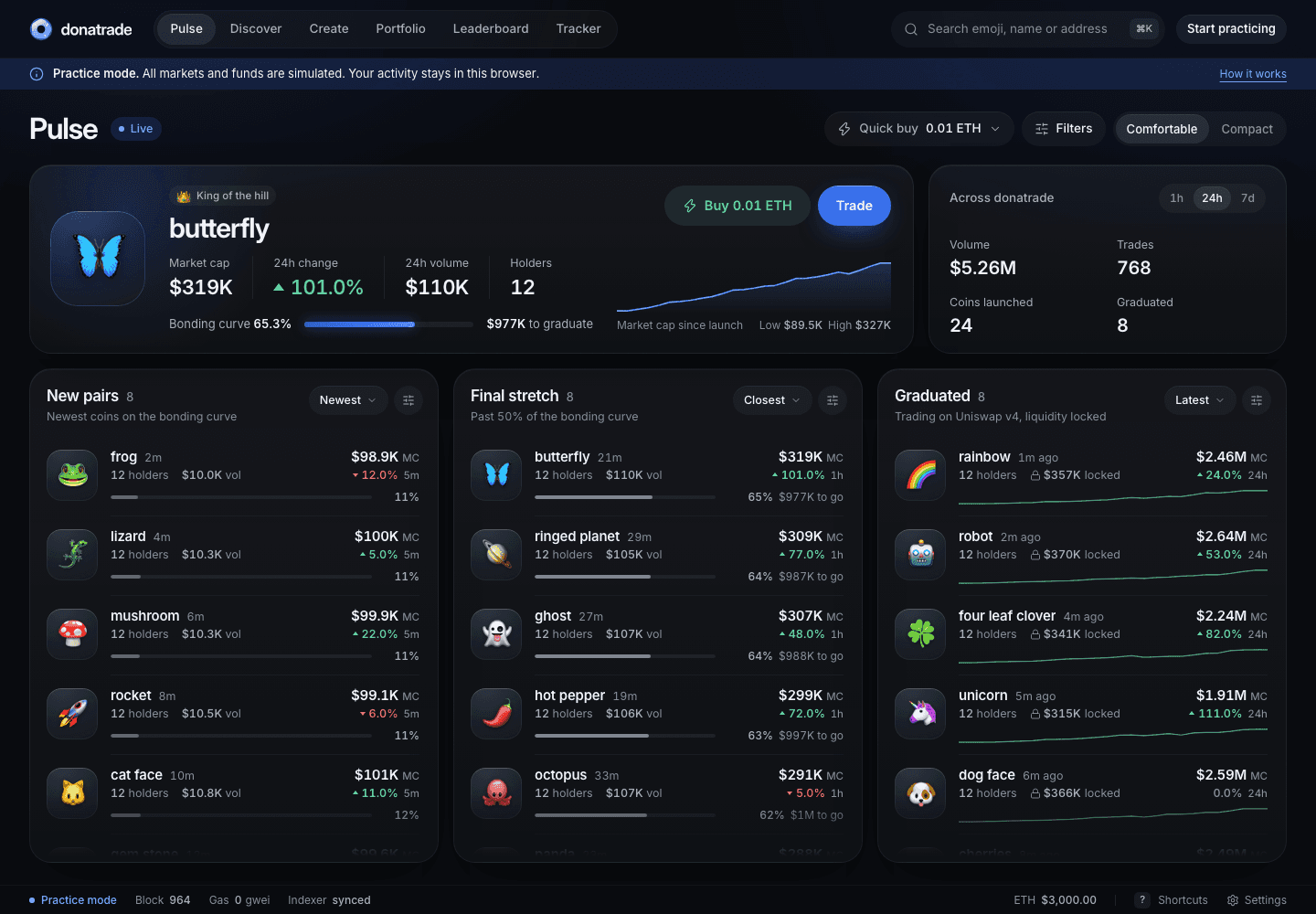
Browse new and graduated coins using filters for market cap, volume, liquidity and holders
Discover coinsChoose an emoji, add a description and launch a coin with an optional first buy
Launch a coinView your holdings, profit and loss, open orders, rewards and trade history
See your portfolioFollow wallet activity and view trader rankings, buys and sells
Explore wallet trackingAn emoji is the coin’s name, ticker and visual identity. Each market has its own token address. Anyone can launch one, and multiple markets can use the same emoji.
This deployment uses simulated balances and trades. It does not execute blockchain transactions, accept deposits or hold real funds.
The terminal uses bonding-curve and pool calculations. Prices move with simulated buys and sells. USD amounts use an illustrative fixed reference of $3,000 per ETH.
Your account, trades, custom coins and orders are stored in this browser. They persist when you reload on the same device. Clearing site data removes them. Activity is not shared with other visitors.
A coin starts on a virtual-reserve bonding curve. Once the curve completes, its market transitions into a pool. The simulator models this transition and lets you keep trading after graduation.
Place limit buys, take-profits or stop-losses in the terminal. The input and execution fee are reserved until the order fills or you cancel. Eligible orders are checked while the app is open.